Simple Crosshairs
Simple Crosshairs
Couldn't load pickup availability
Downloadable files along with this product
No files to download
Details
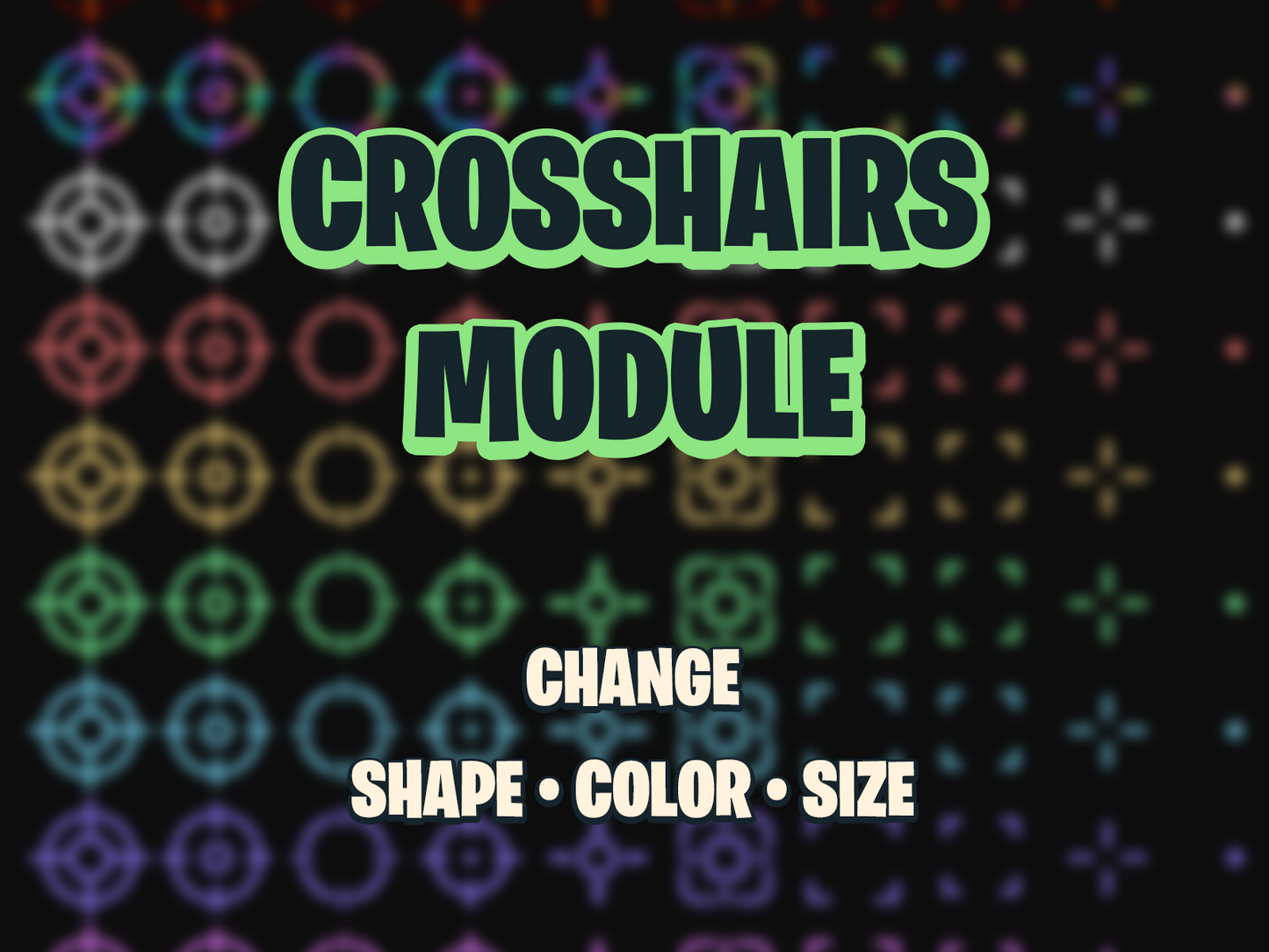
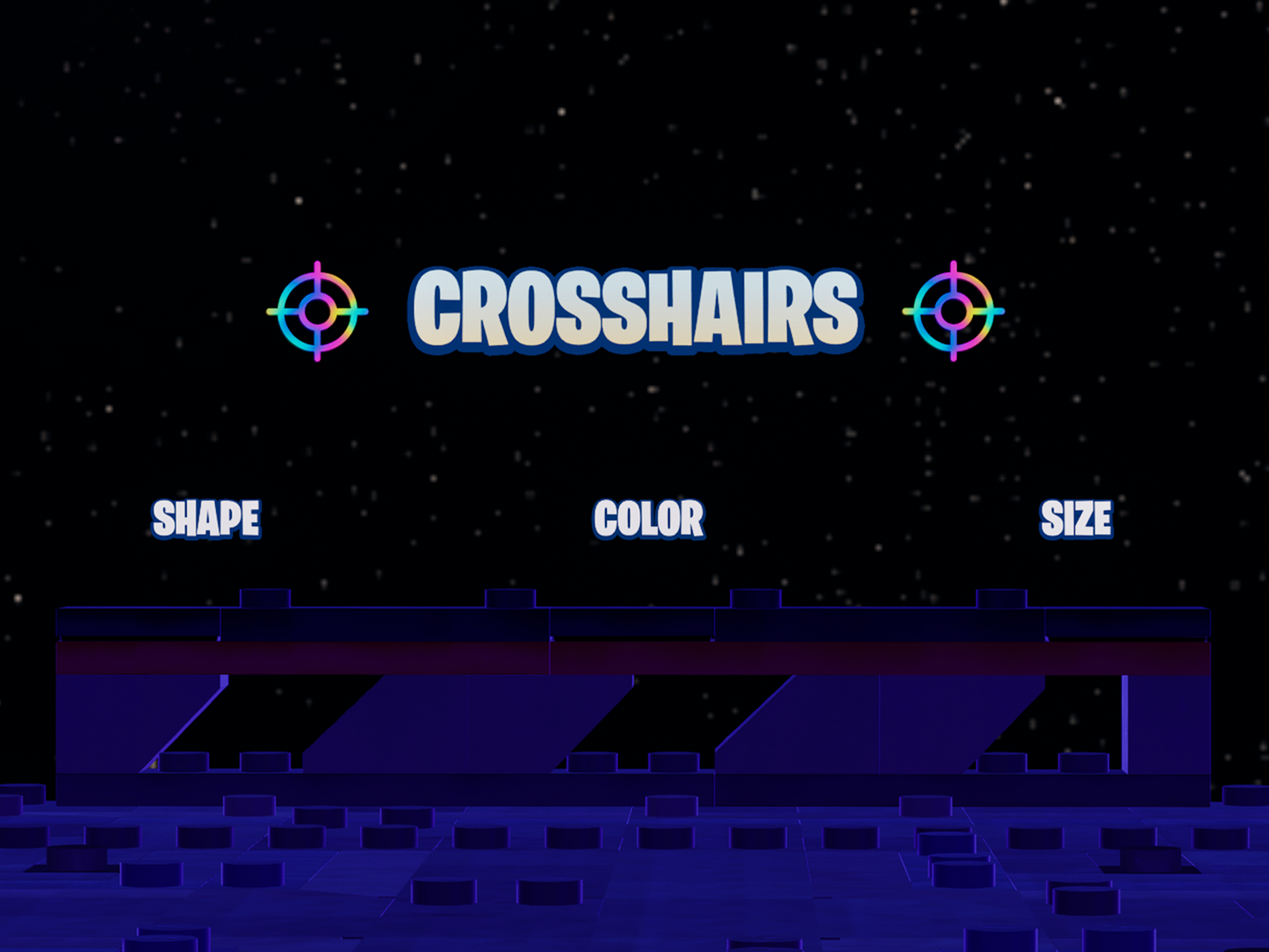
This Simple Crosshairs adds a fully customizable crosshair system to your UEFN maps. Players can change their crosshair shape, color, and size in real time, creating a personalized aiming experience that fits different play styles, accessibility needs, or game modes. With support for both button and trigger inputs, players can instantly adjust their settings without leaving the action.
A dynamic crosshair system gives your players control over how they aim and interact, making competitive shooters, training ranges, or casual party games more accessible, fun, and customizable.
Perfect for: competitive shooters, training maps, accessibility-focused modes, party games and more.
Overview
The crosshairs_manager.verse handles the full customization lifecycle: it registers players, tracks individual preferences, and updates crosshair visuals instantly. The system uses dedicated UI handlers and customizable texture assets to display shape, color, and scale changes on demand, while Button and Trigger Devices provide flexible input methods for interaction.
Key Features
Multiple Crosshair Shapes
10 unique crosshair designs plus a “None” option for minimalist or hardcore modes.
Color Customization
9 color options including White, Red, Green, Blue, Yellow, Purple, Orange, Cyan, and Pink.
Size Adjustment
3 scale options (Small, Medium, Large) to fit visibility preferences and accessibility needs.
Real-Time Updates
Instant visual feedback when players change crosshair settings in-game.
Flexible Input
Supports both interactive Button Devices and Trigger Devices for player or event-driven changes.
Individual Tracked Per Player
Each player’s crosshair preferences are tracked individually, ensuring consistent customization across gameplay sessions.
Project Outline
Content/
├── CoreModule/
│   └── utilities.verse
│
├── CrosshairsModule/
│   ├── crosshair_ui.verse
│   ├── crosshairs_manager.verse
│   └── custom_types.verse
│
├── UIAssets/
│   └── Textures/
│       └── Crosshairs/
│           ├── color.png
│           ├── crosshairs_blue_01.png
│           ├── crosshairs_blue_02.png
│           ├── crosshairs_blue_03.png
│           ├── crosshairs_blue_04.png
│           ├── crosshairs_blue_05.png
│           ├── crosshairs_blue_06.png
│           ├── crosshairs_blue_07.png
│           ├── crosshairs_blue_08.png
│           ├── crosshairs_blue_09.png
│           ├── crosshairs_blue_10.png
│           ├── crosshairs_green_01.png
│           ├── crosshairs_green_02.png
│           ├── crosshairs_green_03.png
│           ├── crosshairs_green_04.png
│           ├── crosshairs_green_05.png
│           ├── crosshairs_green_06.png
│           ├── crosshairs_green_07.png
│           ├── crosshairs_green_08.png
│           ├── crosshairs_green_09.png
│           ├── crosshairs_green_10.png
│           ├── crosshairs_holo_01.png
│           ├── crosshairs_holo_02.png
│           ├── crosshairs_holo_03.png
│           ├── crosshairs_holo_04.png
│           ├── crosshairs_holo_05.png
│           ├── crosshairs_holo_06.png
│           ├── crosshairs_holo_07.png
│           ├── crosshairs_holo_08.png
│           ├── crosshairs_holo_09.png
│           ├── crosshairs_holo_10.png
│           ├── crosshairs_lava_01.png
│           ├── crosshairs_lava_02.png
│           ├── crosshairs_lava_03.png
│           ├── crosshairs_lava_04.png
│           ├── crosshairs_lava_05.png
│           ├── crosshairs_lava_06.png
│           ├── crosshairs_lava_07.png
│           ├── crosshairs_lava_08.png
│           ├── crosshairs_lava_09.png
│           ├── crosshairs_lava_10.png
│           ├── crosshairs_pink_01.png
│           ├── crosshairs_pink_02.png
│           ├── crosshairs_pink_03.png
│           ├── crosshairs_pink_04.png
│           ├── crosshairs_pink_05.png
│           ├── crosshairs_pink_06.png
│           ├── crosshairs_pink_07.png
│           ├── crosshairs_pink_08.png
│           ├── crosshairs_pink_09.png
│           ├── crosshairs_pink_10.png
│           ├── crosshairs_purple_01.png
│           ├── crosshairs_purple_02.png
│           ├── crosshairs_purple_03.png
│           ├── crosshairs_purple_04.png
│           ├── crosshairs_purple_05.png
│           ├── crosshairs_purple_06.png
│           ├── crosshairs_purple_07.png
│           ├── crosshairs_purple_08.png
│           ├── crosshairs_purple_09.png
│           ├── crosshairs_purple_10.png
│           ├── crosshairs_red_01.png
│           ├── crosshairs_red_02.png
│           ├── crosshairs_red_03.png
│           ├── crosshairs_red_04.png
│           ├── crosshairs_red_05.png
│           ├── crosshairs_red_06.png
│           ├── crosshairs_red_07.png
│           ├── crosshairs_red_08.png
│           ├── crosshairs_red_09.png
│           ├── crosshairs_red_10.png
│           ├── crosshairs_white_01.png
│           ├── crosshairs_white_02.png
│           ├── crosshairs_white_03.png
│           ├── crosshairs_white_04.png
│           ├── crosshairs_white_05.png
│           ├── crosshairs_white_06.png
│           ├── crosshairs_white_07.png
│           ├── crosshairs_white_08.png
│           ├── crosshairs_white_09.png
│           ├── crosshairs_white_10.png
│           ├── crosshairs_yellow_01.png
│           ├── crosshairs_yellow_02.png
│           ├── crosshairs_yellow_03.png
│           ├── crosshairs_yellow_04.png
│           ├── crosshairs_yellow_05.png
│           ├── crosshairs_yellow_06.png
│           ├── crosshairs_yellow_07.png
│           ├── crosshairs_yellow_08.png
│           ├── crosshairs_yellow_09.png
│           ├── crosshairs_yellow_10.png
│           ├── crosshairs.png
│           ├── shape.png
│           └── size.png
│
├── modules.verse
└── README.pdf
Frequently Asked Questions
How does the Crosshairs Module work?
Players press a button or fire a trigger to cycle their crosshair shape (11 options), colour (9 options) or size. Each player has their own setting.
How is it different from Advanced Crosshairs?
This version has no tiers or unlocks and no direct picking: one input cycles shapes, one cycles colours and one cycles size. Advanced Crosshairs adds seven unlockable tiers, direct selection and fine size adjustment.
What do I need to place?
The Crosshairs Manager plus up to three Buttons or three Trigger devices, one each for shape, colour and scale. The crosshair textures ship in the UI Assets folder.
Does it save the player's choice?
No. Settings last for the current session.
Does it need UEFN?
Yes. It is Verse code with UI textures.
NOTE: Level design and texture assets are not included—this package provides the code and logic system only. The code is sold as is. Updates to the code and bug fixes can be obtained but aren’t guaranteed.
Share