Multiple Currencies
Multiple Currencies
Couldn't load pickup availability
Downloadable files along with this product
No files to download
Details
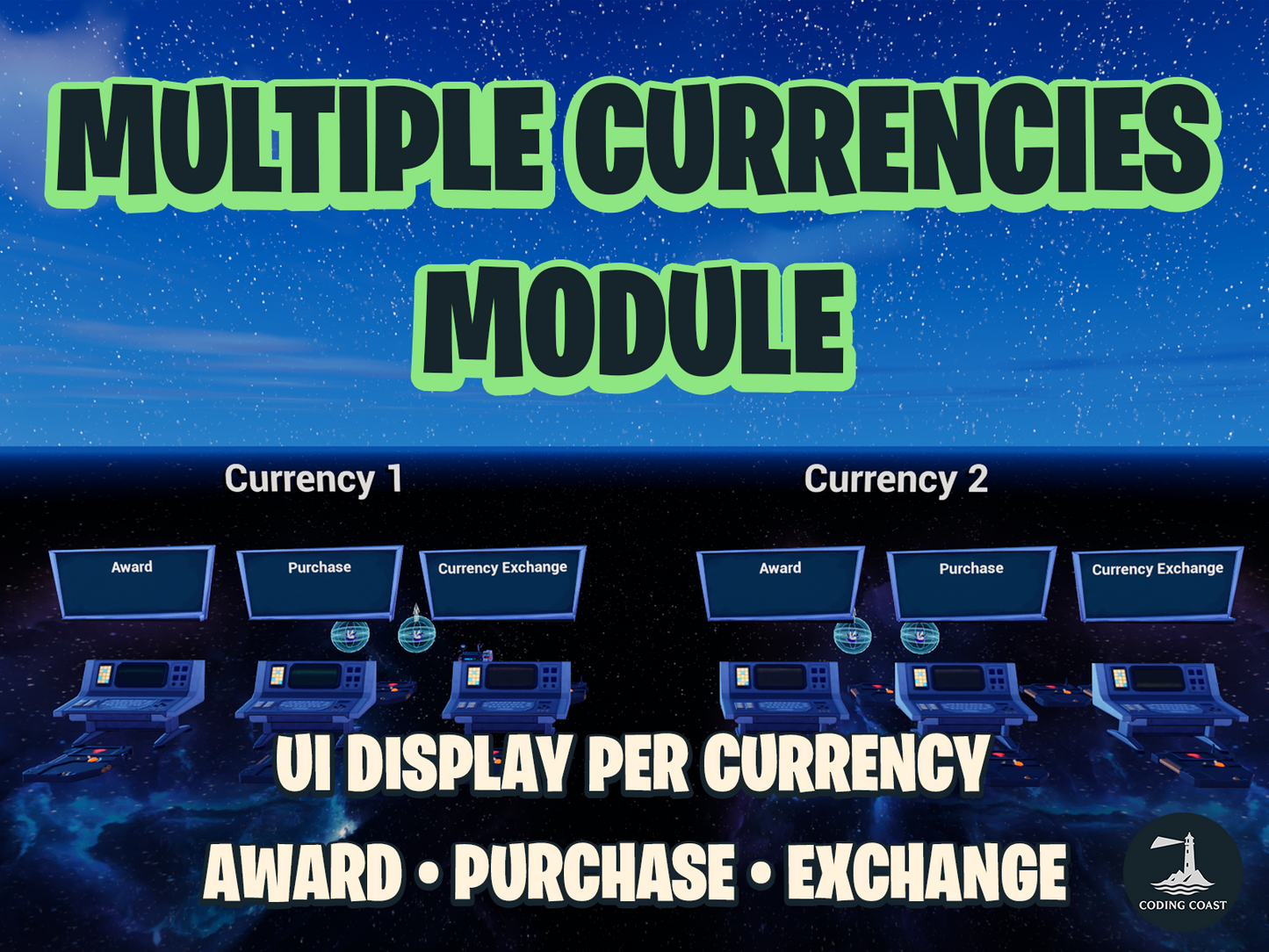
Easily add and manage multiple custom currencies in your UEFN experiences with the Multiple Currencies. This modular system handles everything from defining currencies to awarding, spending, exchanging, and displaying them on-screen — with persistent balances, big number formatting, timed multipliers, popup notifications, and a fully customizable HUD.
Perfect for: Tycoons, RPGs, survival games, simulators, or any experience that needs a solid in-game economy. It's easy to extend and quick to get up and running.
What's New in v1.2.0
- Multiplier system with per-player timed currency multipliers, generation-based timer reset, and multiplicative stacking
- Popup notification system with queued per-agent popups, icons, configurable colors, and duration
- Big number formatting with automatic K, M, B, T, Qa+ suffixes
- Currency template system for flexible amount display (e.g.,
[amount]Gshows1.5KG) - Trigger-based currency award entries configurable directly on the Currency Manager
- Returning player support — new currencies added after publish are auto-initialized
- Purchase validation without spending via
ShouldSpendCurrencytoggle - Delta detection with pulse animations on currency UI updates
- Multiplier HUD indicators with percentage display and state-change animations
- Primary and secondary color properties per currency for richer UI styling
Features
Flexible Currency Setup
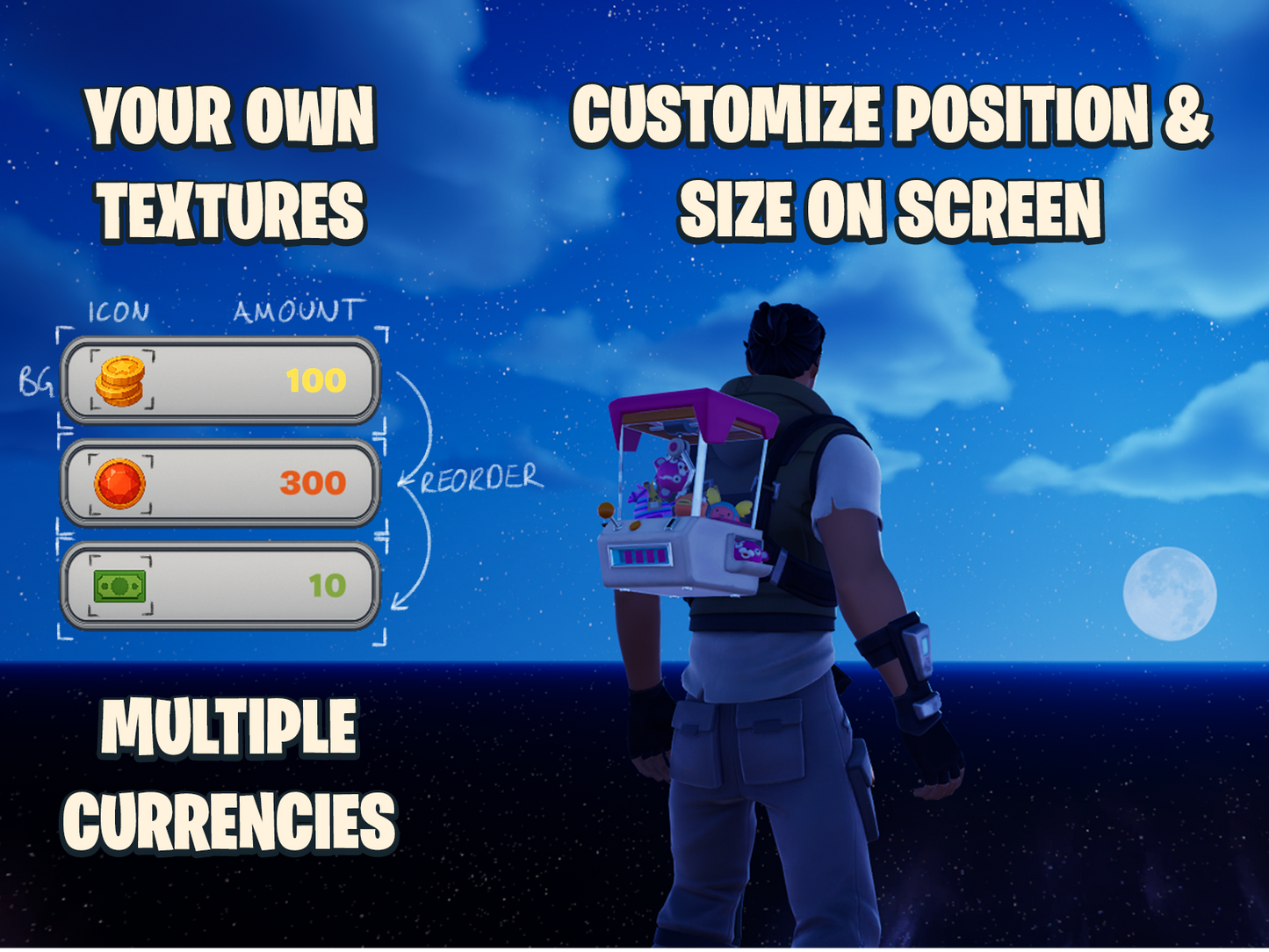
- Define unlimited currencies with name, template formatting, starting amount, icons, backgrounds, colors, and sounds
- Register currencies on the Currency Manager device and they're available everywhere
- Each currency has a unique
TypeIndexused to reference it across all devices and code
Drop-In Devices
- award_currency_location — Grant currency when a trigger fires
- purchase_location — Deduct currency for purchases with multi-currency cost support and optional spend guard
- exchange_location — Trade currencies: deposit one or more, receive one or more
- multiplier_currency_location — Apply timed multipliers per player with popup notifications, configurable duration, and trigger outputs
Currency Award Entries
- Configure trigger-based currency awards directly on the Currency Manager — no extra devices needed
- Each entry specifies a currency type, amount, and trigger device
Multiplier System
- Per-player timed multipliers with configurable duration and value
- Re-triggering resets the timer and updates the multiplier value
- Multiple multipliers on the same currency stack multiplicatively
- Popup notification on activation with configurable message, icon, and color
- Trigger outputs for activation and deactivation events
- HUD automatically shows multiplier status with percentage indicators
Built-In UI
- Consolidated HUD widget (
UW_Currencies) displays all currencies in one widget - Big number formatting with automatic suffixes (K, M, B, T, Qa, Qi, and more)
- Template-based display — use
[amount]Gfor100G,$[amount]for$1.5K, etc. - Delta detection with pulse animations when currency amounts change
- Multiplier indicators with percentage display and state-change animations
- Unused currency slots are automatically hidden
- Customizable positioning and anchoring via editable canvas configuration
- Show or hide individual currencies at runtime using trigger devices
Popup Notifications
- Queue-based popup system that prevents notification overlap
- Item popups with icon, message, sub-text, and configurable colors
- Alert popups with background material support
- Used by the multiplier system and optionally by currency award/spend events
Persistence
- Player balances persist across sessions via VersePersistenceModule
- Returning players automatically receive new currencies initialized to their starting amount
Utility Functions
- Check balances, apply currency changes, set exact amounts, and query active multipliers from your own Verse code
- Multi-currency validation with
HasEnoughForPrices - String utilities for template substitution, splitting, and big number formatting
How It Works
Place the Currency Manager device and define your currencies with their names, templates, colors, icons, and starting amounts. The manager handles registration, UI creation, and player initialization automatically.
Drop in award, purchase, exchange, or multiplier devices and connect them to trigger devices in your level. When triggered, currency is awarded, spent, traded, or multiplied — with audio feedback, HUD updates, and optional popup notifications.
Returning players keep their balances across sessions. If you add new currency types after publishing, returning players automatically receive them at the configured starting amount.
The architecture is modular — each system (currency, persistence, UI, popups) is self-contained, making it easy to extend or integrate with other gameplay systems.
Project Outline
Content/
├── Materials/
│   ├── M_CurrencyBackground.uasset
│   ├── M_CurrencyIcon.uasset
│   ├── MI_CurrencyBackground1.uasset
│   ├── MI_CurrencyBackground2.uasset
│   ├── MI_CurrencyBackground3.uasset
│   ├── MI_CurrencyIcon1.uasset
│   ├── MI_CurrencyIcon2.uasset
│   └── MI_CurrencyIcon3.uasset
├── Scripts/
│   ├── CoreModule/
│   │   ├── agent_spawner_manager.verse
│   │   ├── game_manager.verse
│   │   └── utilities.verse
│   ├── UIModule/
│   │   └── utilities.verse
│   ├── VerseCurrencyModule/
│   │   ├── award_currency_location.verse
│   │   ├── currencies_ui_configuration.verse
│   │   ├── currencies_ui.verse
│   │   ├── currency.verse
│   │   ├── exchange_location.verse
│   │   ├── purchase_location.verse
│   │   ├── utilities.verse
│   │   └── verse_currency_manager.verse
│   └── VersePersistenceModule/
│       ├── utilities.verse
│       └── verse_currency_persistence.verse
├── Textures/
│   ├── currency_0.png
│   ├── currency_0.uasset
│   ├── currency_1.png
│   ├── currency_1.uasset
│   ├── currency_2.png
│   ├── currency_2.uasset
│   ├── currency_3.png
│   ├── currency_3.uasset
│   ├── currency_bg.png
│   └── currency_bg.uasset
├── Widgets/
│   ├── UW_Currencies.uasset
│   └── UW_Currency.uasset
├── CHANGELOG.md
├── Instructions-For-Assets.md
└── README.md
NOTE: Level design is not included—this package provides the code and logic system only. The code is sold as is. Updates to the code and bug fixes can be obtained but aren't guaranteed.
Share