Advanced Crosshairs
Advanced Crosshairs
Couldn't load pickup availability
Downloadable files along with this product
No files to download
Details
The Advanced Crosshairs brings a fully customizable, progression-based crosshair system to your UEFN maps. Players can adjust crosshair shape, color, and size in real time, while unlocking new crosshairs through a 7-tier progression system (Common → Exotic). This adds depth, personalization, and progression to competitive shooters, RPGs, training maps, or accessibility-focused modes.
An advanced crosshair system that evolves with your players—unlock tiers, customize visuals, and give each player a unique aiming identity that persists across gameplay.
Perfect for: competitive shooters, training maps, RPG progression modes, accessibility-focused experiences, and party games.
As seen on:
Airlock Crisis (2888-6118-5758)

Overview
The crosshairs_manager.verse manages the full customization and unlock lifecycle: registering players, tracking their individual preferences, and updating crosshair visuals instantly. With tier-based unlocks, real-time updates, and multiple input device support, players get both personalization and progression without breaking immersion. Dedicated UI handlers and customizable texture assets ensure smooth crosshair transitions in any game mode.
Key Features
7-Tier Unlock System
Crosshairs progress through Common, Uncommon, Rare, Epic, Legendary, Mythic, and Exotic tiers with customizable unlock triggers.
Multiple Crosshair Shapes
Tier-based shape collections with flexible configuration for default or custom crosshair sets.
Color Customization
12 color options including White, Red, Green, Blue, Yellow, Purple, Orange, Cyan, Pink, and 3 Special variants.
Continuous Size Adjustment
Fine-tuned crosshair scaling with customizable step increments between min/max values.
Real-Time Updates
Instant visual feedback when players adjust crosshair shape, color, or size in-game.
Flexible Input Methods
Dedicated Trigger Devices for shapes, colors, and scaling, with tier unlock triggers for progression-based modes.
Individually Tracked Per Player
Each player’s crosshair preferences and tier unlocks are stored independently, ensuring persistence throughout gameplay.
Project Outline
Content/
├── CoreModule/
│   └── utilities.verse
│
├── CrosshairsModule/
│   ├── crosshair_selector.verse
│   ├── crosshair_ui.verse
│   ├── crosshair.verse
│   ├── crosshairs_manager.verse
│   ├── custom_types.verse
│   └── utilities.verse
│
├── UIAssets/
│   └── Textures/
│       └── Crosshairs/
│           ├── color.png
│           ├── crosshairs_blue_01.png
│           ├── crosshairs_blue_02.png
│           ├── crosshairs_blue_03.png
│           ├── crosshairs_blue_04.png
│           ├── crosshairs_blue_05.png
│           ├── crosshairs_blue_06.png
│           ├── crosshairs_blue_07.png
│           ├── crosshairs_blue_08.png
│           ├── crosshairs_blue_09.png
│           ├── crosshairs_blue_10.png
│           ├── crosshairs_green_01.png
│           ├── crosshairs_green_02.png
│           ├── crosshairs_green_03.png
│           ├── crosshairs_green_04.png
│           ├── crosshairs_green_05.png
│           ├── crosshairs_green_06.png
│           ├── crosshairs_green_07.png
│           ├── crosshairs_green_08.png
│           ├── crosshairs_green_09.png
│           ├── crosshairs_green_10.png
│           ├── crosshairs_holo_01.png
│           ├── crosshairs_holo_02.png
│           ├── crosshairs_holo_03.png
│           ├── crosshairs_holo_04.png
│           ├── crosshairs_holo_05.png
│           ├── crosshairs_holo_06.png
│           ├── crosshairs_holo_07.png
│           ├── crosshairs_holo_08.png
│           ├── crosshairs_holo_09.png
│           ├── crosshairs_holo_10.png
│           ├── crosshairs_lava_01.png
│           ├── crosshairs_lava_02.png
│           ├── crosshairs_lava_03.png
│           ├── crosshairs_lava_04.png
│           ├── crosshairs_lava_05.png
│           ├── crosshairs_lava_06.png
│           ├── crosshairs_lava_07.png
│           ├── crosshairs_lava_08.png
│           ├── crosshairs_lava_09.png
│           ├── crosshairs_lava_10.png
│           ├── crosshairs_pink_01.png
│           ├── crosshairs_pink_02.png
│           ├── crosshairs_pink_03.png
│           ├── crosshairs_pink_04.png
│           ├── crosshairs_pink_05.png
│           ├── crosshairs_pink_06.png
│           ├── crosshairs_pink_07.png
│           ├── crosshairs_pink_08.png
│           ├── crosshairs_pink_09.png
│           ├── crosshairs_pink_10.png
│           ├── crosshairs_purple_01.png
│           ├── crosshairs_purple_02.png
│           ├── crosshairs_purple_03.png
│           ├── crosshairs_purple_04.png
│           ├── crosshairs_purple_05.png
│           ├── crosshairs_purple_06.png
│           ├── crosshairs_purple_07.png
│           ├── crosshairs_purple_08.png
│           ├── crosshairs_purple_09.png
│           ├── crosshairs_purple_10.png
│           ├── crosshairs_red_01.png
│           ├── crosshairs_red_02.png
│           ├── crosshairs_red_03.png
│           ├── crosshairs_red_04.png
│           ├── crosshairs_red_05.png
│           ├── crosshairs_red_06.png
│           ├── crosshairs_red_07.png
│           ├── crosshairs_red_08.png
│           ├── crosshairs_red_09.png
│           ├── crosshairs_red_10.png
│           ├── crosshairs_white_01.png
│           ├── crosshairs_white_02.png
│           ├── crosshairs_white_03.png
│           ├── crosshairs_white_04.png
│           ├── crosshairs_white_05.png
│           ├── crosshairs_white_06.png
│           ├── crosshairs_white_07.png
│           ├── crosshairs_white_08.png
│           ├── crosshairs_white_09.png
│           ├── crosshairs_white_10.png
│           ├── crosshairs_yellow_01.png
│           ├── crosshairs_yellow_02.png
│           ├── crosshairs_yellow_03.png
│           ├── crosshairs_yellow_04.png
│           ├── crosshairs_yellow_05.png
│           ├── crosshairs_yellow_06.png
│           ├── crosshairs_yellow_07.png
│           ├── crosshairs_yellow_08.png
│           ├── crosshairs_yellow_09.png
│           ├── crosshairs_yellow_10.png
│           ├── crosshairs.png
│           ├── shape.png
│           └── size.png
│
├── modules.verse
└── README.md
Frequently Asked Questions
What does Advanced Crosshairs let players do?
Change their own crosshair shape, colour and size during the game, individually per player. Shapes are grouped into seven tiers from Common to Exotic that you unlock with triggers, so better crosshairs can be a reward for progress.
What do I need to set up in the level?
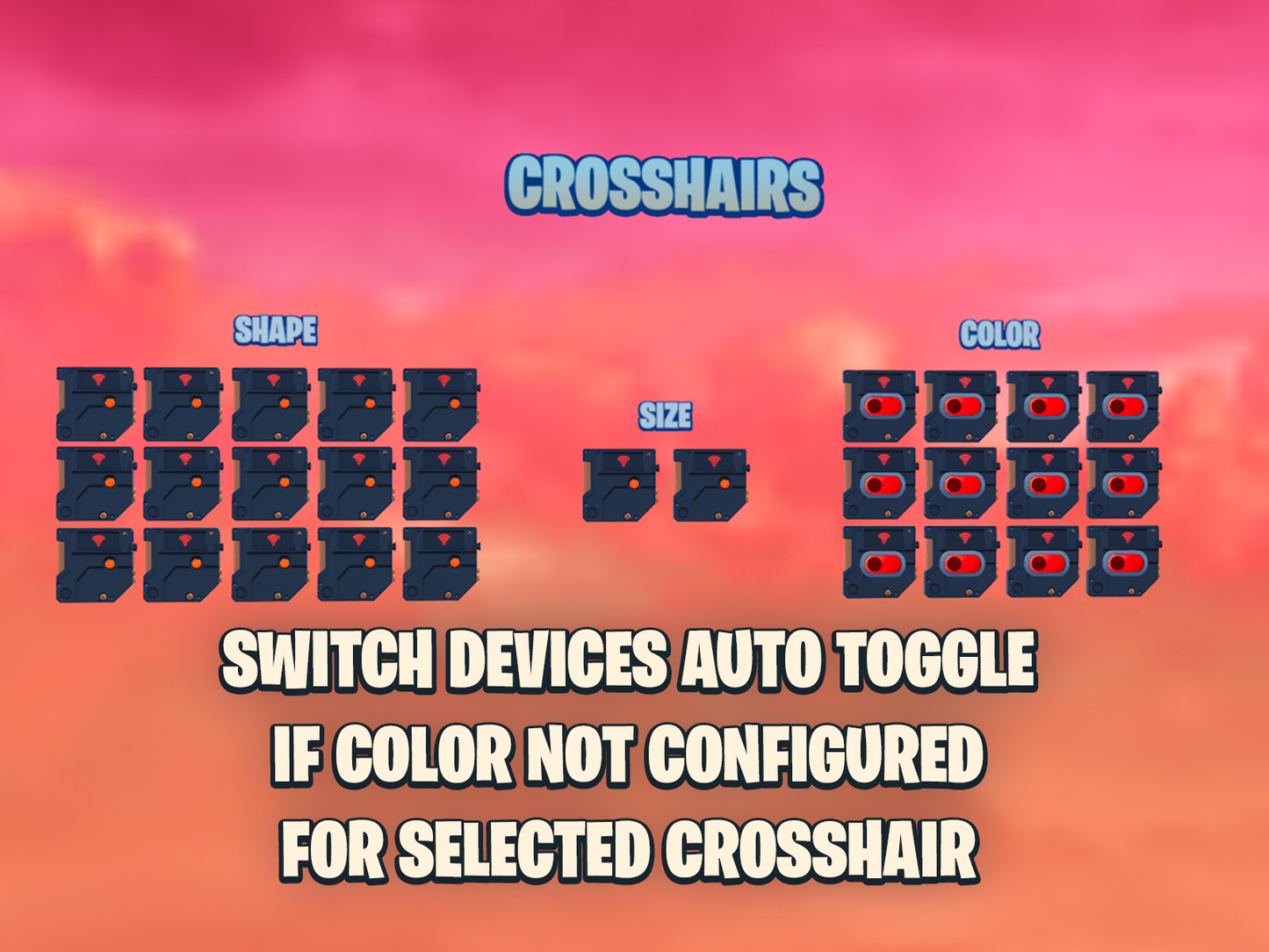
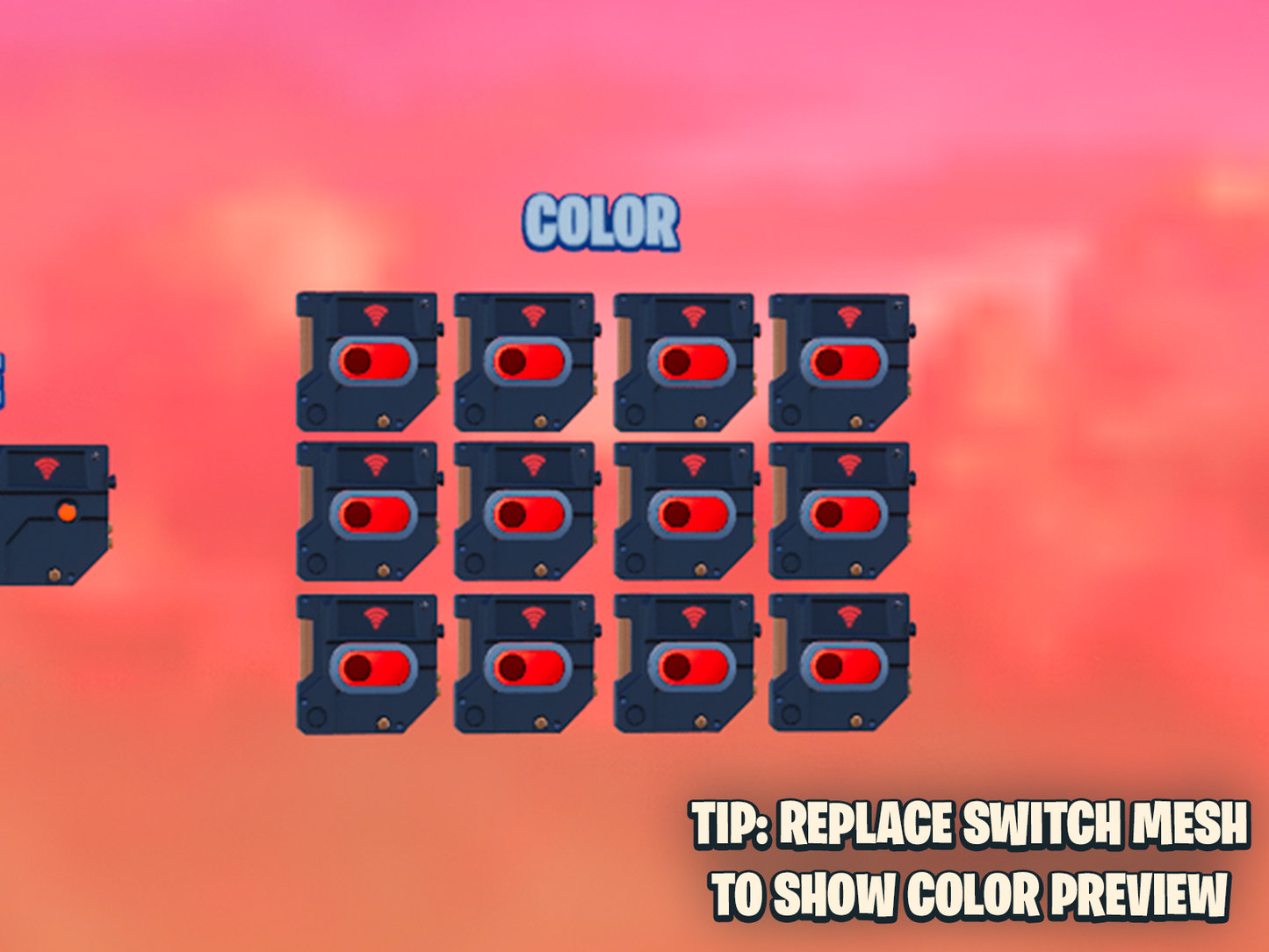
A Crosshairs Manager and a Crosshair Selector device, a trigger per shape, a trigger and switch per colour, two triggers for size up and down, and one unlock trigger per tier.
Do I need Verse to use it?
A little. Everything is configured in the Details panel, but registering players (AddAgent when they join, RemoveAgent when they leave) is done from your own Verse code.
Can I use my own crosshair images?
Yes. The textures follow a naming pattern (crosshairs_colour_number) in the UI Assets folder, so you can replace them with your own designs in the same colours.
Are choices saved between sessions?
No. Preferences and unlocked tiers are kept per player for the current session only.
Also on BuiltByBit
Advanced Crosshairs is also listed on BuiltByBit, with version history, support threads and reviews.
View Advanced Crosshairs on BuiltByBit
NOTE: Level design and texture assets are not included—this package provides the code and logic system only. The code is sold as is. Updates to the code and bug fixes can be obtained but aren’t guaranteed.